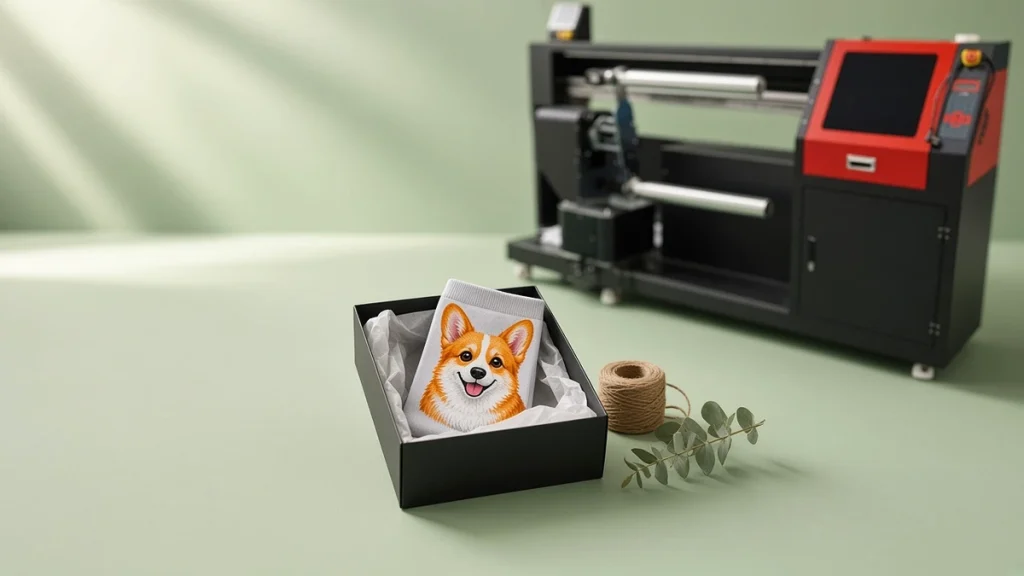
Print on demand turned the traditional apparel model upside down. Instead of producing stock and hoping it sells, products are made only after a customer orders. For socks, that model depends on equipment that can switch designs instantly and produce single pairs economically. That is exactly what a socks printer was designed to do.
The traditional model and its problems
Traditional sock production, whether knitted jacquard or screen printed, depends on setup. Knitting programs, yarn colors or screens must be prepared for each design. That setup cost is spread over many pairs, which is why suppliers set minimum order quantities. Brands then hold inventory and carry the risk of designs that do not sell.
What changes with a socks printer
A socks printer prints from a digital file. Changing designs takes seconds. There is no setup cost per design, so one pair costs roughly the same to print as the hundredth pair of the same design. This unlocks:
- Zero minimum orders. Sell one pair profitably.
- Unlimited catalogs. Offer thousands of designs without stocking them.
- Personalization. Print names, photos and custom artwork on individual pairs.
- Fast testing. Launch a design, see if it sells and drop it if not.
Our dedicated guide to print on demand socks covers the business side in detail.
Why seamless printing matters for POD
POD customers judge products from photos and then again in their hands. Seamless 360° prints, with no side lines, look more premium than flattened transfer prints. They photograph well and generate fewer complaints. That makes the rotary approach of a socks printer particularly suited to online sales.
Polyester for speed
Many POD operations focus on polyester socks because the route is short: print, heat-fix, pack. Orders can move from file to shipping box in the same day. Cotton is possible and valuable, but the extra washing and drying steps add time. Read using a socks printer on polyester socks for details.
Choosing equipment for POD
POD workloads are varied: many designs, small quantities, frequent size changes. That favors:
- Machines with quick roller changes.
- Flexible models that handle multiple sock sizes.
- A reliable heat-fixation oven sized for steady small batches.
A twin-roller socks printer or desktop model can be a good fit early on; multi-roller machines become attractive as volume stabilizes.
Workflow is everything
In POD, the biggest time savings come from workflow, not machine speed:
- Automatically pulling orders from your store into a print queue.
- Naming files consistently by order number and size.
- Grouping jobs by sock size to reduce roller changes.
- Printing packing slips in the same order as the print queue.
See connecting your online store to a socks printer workflow.
Quality control in a POD environment
Every pair is different, so quality checks must be quick and consistent: verify the design matches the order, check color, check the wraparound join and confirm the size. A daylight-balanced inspection light helps.
Managing blank inventory
You do not stock printed socks, but you do stock blanks. Keep enough of each size and color, track usage weekly and work with reliable blank suppliers. Ready-made blank polyester socks simplify sourcing.
The economics
POD socks typically sell at higher prices than bulk socks because they are unique, personalized or limited. The trade-off is higher per-pair labor than mass production. Healthy POD businesses keep labor low through workflow automation and keep prices high through good design and branding. Our guide to pricing print on demand socks explains how to set prices.
Designing an on-demand workflow
Print on demand only works when each order moves through production without manual searching. A practical workflow for a socks printer includes:
- Consistent file naming that links each print file to an order number and size.
- A daily cut-off time so orders received before it are printed the same or next day.
- Batching by fiber and roller size, which reduces roller changes and fixation switches.
- A simple tracking sheet or software showing which orders are printed, fixed, checked and packed.
Handling personalization
Personalized orders such as names or photos need an extra check before printing. Many shops place a quick visual review between order intake and printing to catch low-resolution photos or spelling mistakes. Our guide to photo personalized socks covers image quality.
Managing peaks
Holidays and promotions can multiply order volume. Plan extra shifts, keep enough blanks in stock and schedule maintenance before busy weeks. See planning holiday custom socks production.
Measuring performance
Track average time from order to dispatch, defect rate and reprint rate. These three numbers tell you whether your on-demand operation is healthy. Read connecting your online store to a socks printer workflow for the software side.
Conclusion
A socks printer removes the setup cost that made small runs impossible, which is the foundation of print on demand. Pair it with efficient fixation, an automated workflow and strong designs, and you can run a POD sock business with no inventory risk. Explore our socks printer models or contact us to discuss a POD setup.
Leave A Comment