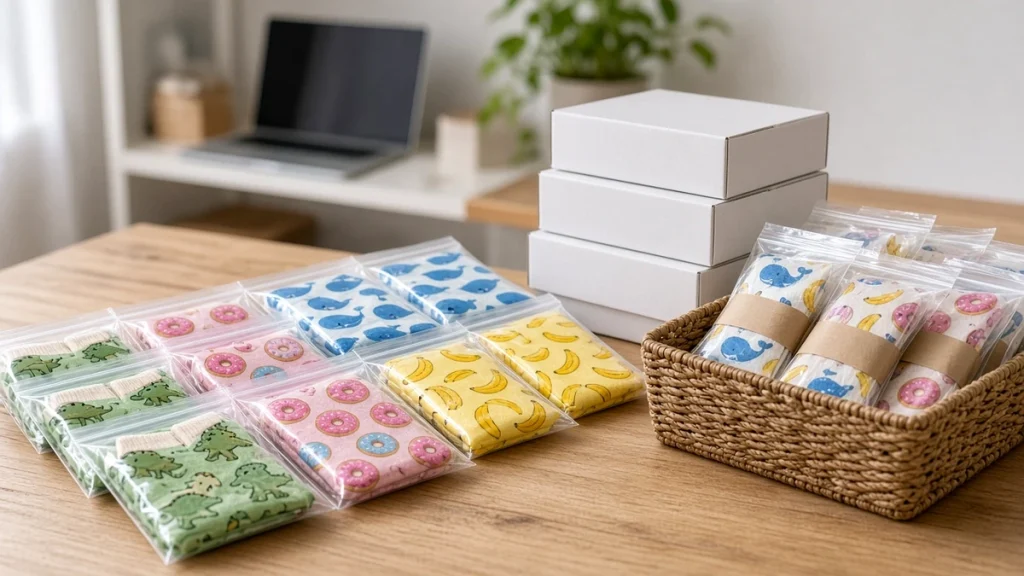
When an online sock store starts getting steady orders, a surprising thing happens: the socks printer is rarely the problem. The bottleneck is usually everything around it, such as downloading order details, finding the right file, checking sizes, printing packing slips and matching socks to orders. A clear workflow fixes this.
The goal
The ideal workflow moves each order from your store to a finished, shipped pair with as few manual steps as possible, and with clear checks to prevent mistakes. Even small automations save minutes per order, which adds up quickly.
Step 1: Standardize your product data
Before automating, clean up your catalog:
- Unique codes (SKUs) for each design and size.
- Consistent file names matching SKUs, for example "DOG-CORGI-M.tif".
- Clear size definitions mapped to roller sizes.
When file names match SKUs, finding the right file becomes automatic.
Step 2: Export orders in batches
Most store platforms can export orders or send them to another system. Choose a rhythm, such as twice a day, and export all new orders into a production list containing order number, SKU, size, quantity and any personalization text or uploaded image.
Step 3: Generate print files
For standard designs, the file already exists. For personalized orders, generate files from templates by inserting names or customer photos. Name each file with the order number to keep it traceable. Our article on photo personalized socks explains photo preparation.
Step 4: Build the print queue
Load files into the RIP queue grouped by:
- Fabric and profile, to avoid switching settings.
- Sock size, to minimize roller changes.
- Priority, such as express shipping.
Learn more in RIP software and your socks printer.
Step 5: Print and track
As each pair is printed, mark it done on the production list. Some businesses print a small label with the order number and attach it to the printed sock or tray, so nothing gets mixed up during fixation.
Step 6: Fix and finish
Keep order identification through the oven or steamer. Trays or racks with order labels work well. For polyester POD orders, the route is short; see why a socks printer is built for print on demand.
Step 7: Match, inspect and pack
Print packing slips in the same order as the print queue. At the packing table, match socks to slips, inspect quality and pack. A quick check that the design and size match the order prevents most returns.
Step 8: Update the store
Mark orders as shipped and upload tracking numbers, ideally in batch. Customers receive notifications automatically.
Handling exceptions
- Reprints: flag defective pairs and add them back to the next queue with priority.
- Out-of-stock blanks: check blank inventory before accepting orders for unusual sizes.
- Customer image problems: contact customers early if uploaded photos are too low resolution.
Tools that help
You do not need expensive software to start. A spreadsheet, a consistent folder structure and good naming can handle surprising volume. As you grow, consider order management tools or simple scripts that move files automatically into RIP hot folders. The key is consistency.
Measuring the workflow
Track:
- Time from order to shipment.
- Reprint rate and reasons.
- Orders per operator hour.
These numbers show where to improve next.
Choosing how much to automate
Automation should match your volume. A shop with a few orders a day can work well with a spreadsheet and manual file downloads. As volume grows, manual steps become a source of errors and delays.
Levels of automation
- Manual: download orders and artwork, rename files, print and update the store by hand.
- Semi-automatic: an app or script pulls orders into a production list, generates file names and prints packing slips.
- Integrated: orders flow automatically into a production queue, print files are created from templates, and tracking numbers are sent back to the store.
Start at the level you can manage today and plan the next step.
Data to capture with every order
Order number, product, fiber, size, quantity, design reference or personalization text, shipping method and deadline. Capturing these consistently allows batching by fiber and roller size on the socks printer.
Quality and traceability
Print a small label or slip that travels with each order through printing, fixation and packing. When a defect is found, you can trace which batch and settings it came from.
Handling exceptions
Plan how to handle low-resolution uploads, out-of-stock blanks and address issues. A clear process for contacting customers avoids delays.
Related reading: why a socks printer is built for print on demand, print on demand socks: how to launch and fulfill and selling on Etsy and Shopify.
Conclusion
The fastest socks printer cannot fix a messy order process. Standardize SKUs and files, batch orders, build smart print queues, keep orders identified through finishing and pack against printed slips. With a clean workflow, a small team can handle large online volumes. To choose equipment for your store, explore our socks printer models or contact us.
Leave A Comment