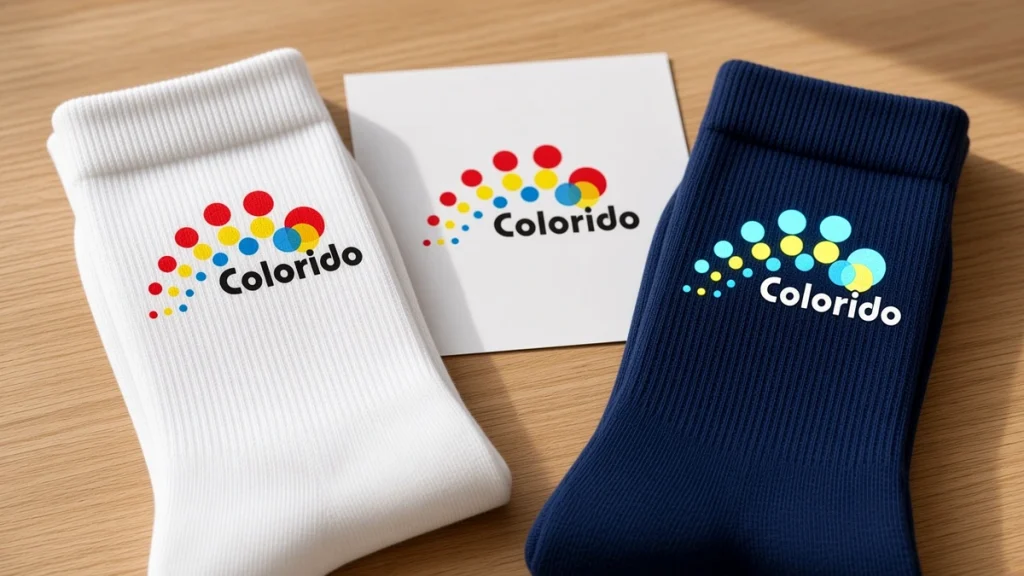
A logo that looks crisp on a business card can turn soft, stretched or hidden on a sock. Socks are curved, stretchy and partly covered by shoes, so logo artwork needs its own rules.
This guide covers the practical rules for custom socks with logo printing: files, sizes, colors and placement. It’s written for marketing teams, promotional distributors and designers preparing branded socks for 360° digital printing. Always follow your supplier’s templates as well, and see our artwork file prep checklist for 360° sock printing.
Rule 1: Start With a Vector Logo
Send your logo as a vector file (AI, EPS, SVG or vector PDF). Vectors scale without losing sharpness. If you only have a raster file, supply the highest-resolution version available and avoid screenshots or images saved from websites.
Rule 2: Design at the Supplier’s Template Size
Every sock style and size has a printable area. Place your logo on the supplier’s template for the exact style and size, not on a generic canvas. This prevents logos landing in the wrong place or being cut off.
Rule 3: Mind Minimum Sizes
Small details disappear on knitted fabric, especially when stretched:
- Keep thin lines bold enough to survive stretch
- Avoid tiny taglines under the logo
- Simplify complex marks for small placements
Ask your supplier for their recommended minimum text height and line weight for your blank, and test it on a sample.
Rule 4: Plan for Stretch
A sock stretches more over the calf and instep than at the ankle. A round logo can become oval, and text can widen. To reduce distortion:
- Place key logos where stretch is more predictable
- Avoid putting a logo across the heel or toe
- Check the sample on a foot or sock form, not just flat
Rule 5: Choose the Right Placement Zone
| Zone | Visibility | Good for |
|---|---|---|
| Outer side of the calf | Highest when worn | Main logo |
| Front of the shin | Visible when seated and in photos | Secondary logo or pattern |
| Cuff | Visible above shoes | Small logo or text |
| Sole or footbed | Visible when shoes come off | Fun messages, secondary branding |
| Heel and toe | Often hidden, different knit | Avoid for key logos |
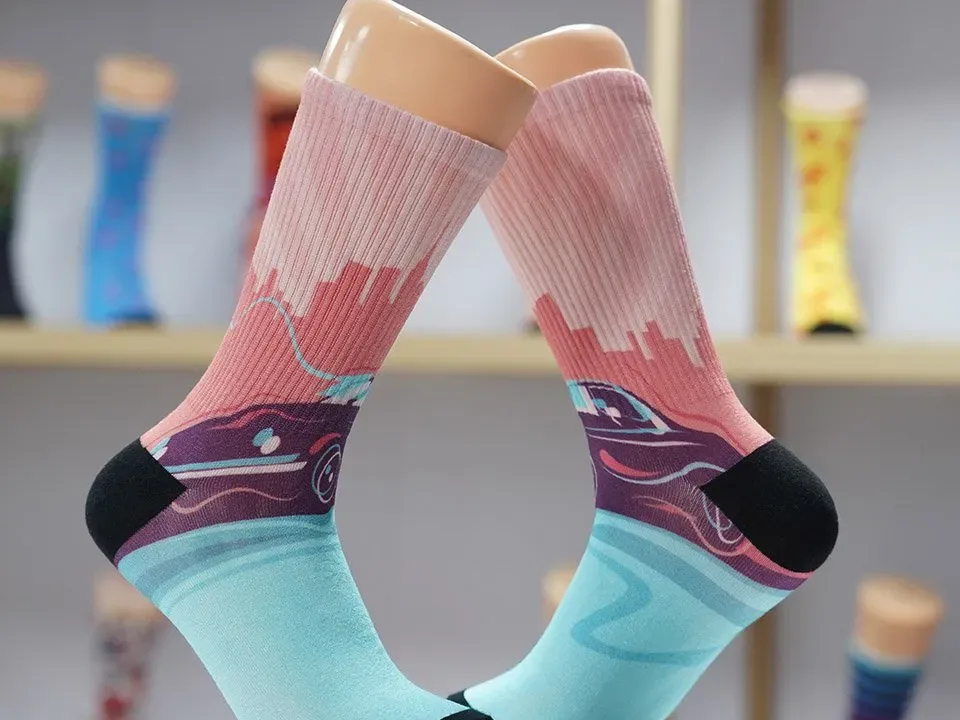
Remember that left and right socks may mirror placement. Tell the supplier whether you want both logos on the outer sides.
Rule 6: Give Clear Color References
Screens and fabric show color differently. To get closer to brand colors:
- Supply color references with your files
- Tell the supplier which elements must match most closely
- Approve color on a physical sample, under neutral light
The fiber and finishing also affect color. Polyester blanks usually show very vivid color. Cotton blanks depend more on pretreatment and finishing.
Rule 7: Think Beyond a Single Logo
Logo socks people actually wear often use the brand creatively:
- A repeating pattern built from the logo mark
- Brand colors in stripes or gradients with a small logo at the cuff
- An illustration tied to the company’s industry or mascot
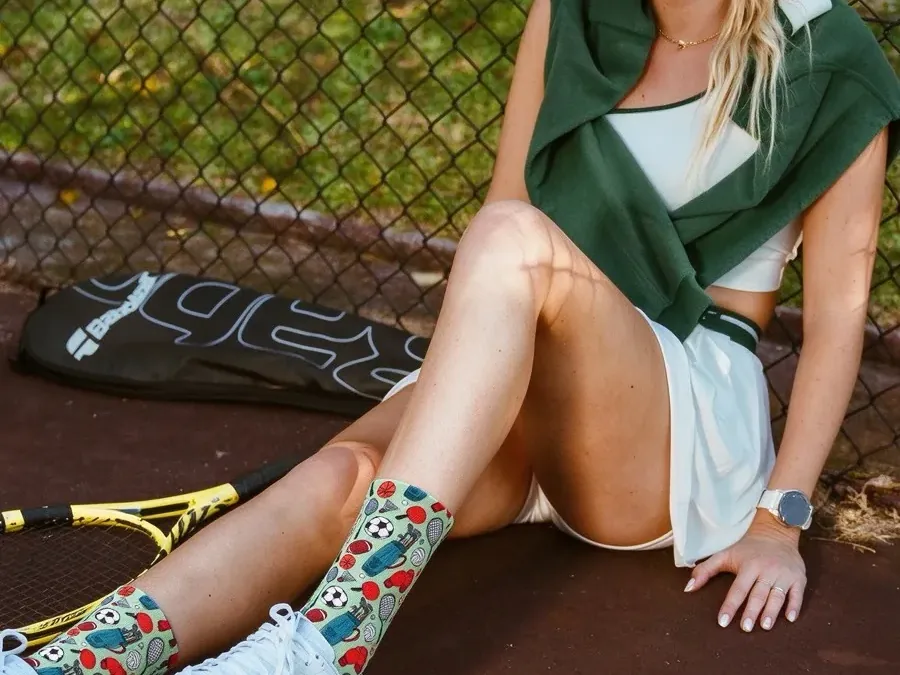
360° digital printing wraps the full sock without side lines, so all-over branded patterns are practical. See examples on our custom printed socks page and in our applications gallery.
Rule 8: Use Contrast
A logo needs contrast with its background. Light logos on dark backgrounds or dark logos on light backgrounds read best. Avoid placing similar tones together.
Rule 9: Personalize Carefully
For staff names, departments or team numbers:
- Use a locked template with fixed positions
- Supply a clean spreadsheet of names and sizes
- Double-check spelling before approval
Rule 10: Approve a Physical Sample
Check sharpness, color, placement and stretch on a real sock. For larger programs, check the sample in each size that matters.
Artwork Checklist
- Vector logo or high-resolution file
- Supplier template for style and size
- Minimum sizes respected
- Logo placed in a high-visibility zone, away from heel and toe
- Color references supplied
- Good contrast
- Names and numbers checked
- Physical sample approved
Printing Logo Socks In-House
If you produce logo socks yourself, the same rules apply on your own sock printer. Colorido’s sock printers range from the CO80-600DK desktop sock printer (reference output 20–30 pairs/hour) for samples and short runs to the four-roller CO80-210PRO (50–120 pairs/hour) for batch production. Reference output varies with print mode, artwork, material, workflow and configuration. See all models on our sock printer page.
FAQ
What file format is best for a sock logo?
A vector format such as AI, EPS, SVG or vector PDF.
Can very small text be printed on socks?
Small text often becomes hard to read once stretched. Keep text bold and test it on a sample.
Where should the logo go?
The outer side of the calf is usually the most visible spot when socks are worn.
Will my brand colors match exactly?
Color depends on fiber, ink and finishing. Supply references and approve a physical sample.
Make Your Logo Work on Fabric
Good logo socks start with good artwork. Follow these rules and approve a real sample. Then explore our custom printed socks for your next branded program.
Leave A Comment