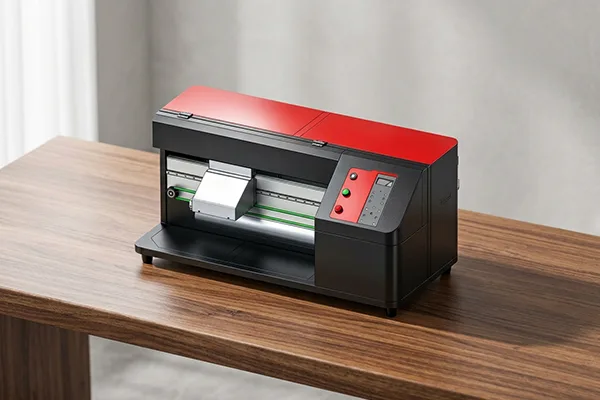
Not every sock printing business needs a production floor. Design studios, gift shops, showrooms, and product development teams often need something different: a machine that fits a small space, handles personalized and short-run orders, and can sit where customers or designers can see it.
That’s the role of a desktop sock printer. In this post, we look at who benefits from a compact machine, how to set one up, and when it’s time to add larger equipment.
What Makes a Desktop Sock Printer Different
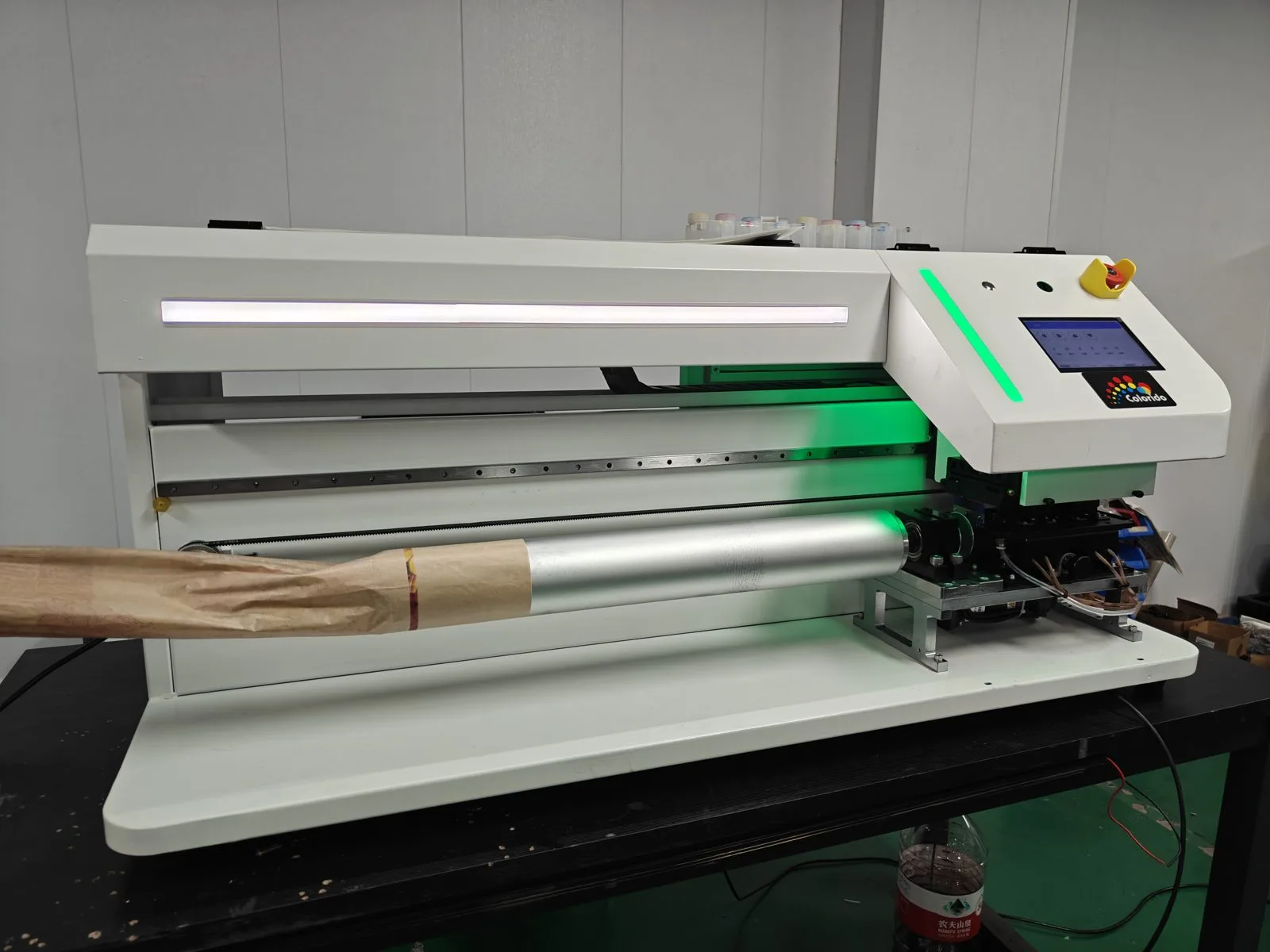
A desktop sock printer is designed around a compact footprint. The Colorido CO80-600DK, for example, is small and light enough to sit on a desk or compact workbench. That makes it practical in places where a floor-standing multi-roller machine wouldn’t fit.
CO80-600DK at a glance: 1250×570×580 mm footprint, Epson 1600 printhead, 82 mm roller, 600 mm max print length, reference output 20–30 pairs/hour. Reference output varies with print mode, artwork, material, workflow and configuration. Full specifications: Colorido sock printer lineup.
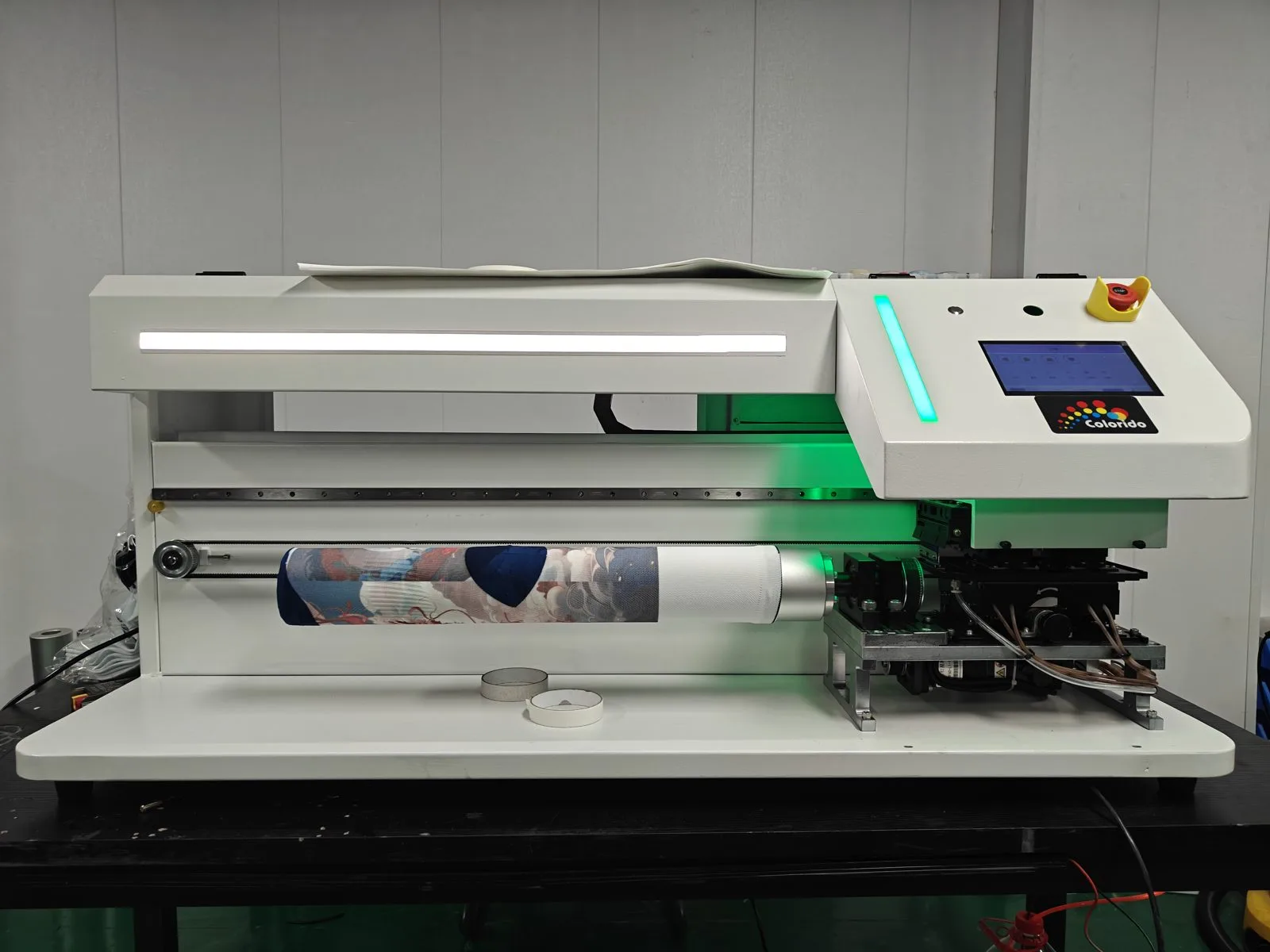
Like larger rotary machines, it prints around the sock in a 360° pass, so designs wrap seamlessly. It’s built for socks and other small tubular items such as wrist sweatbands and cooling arm sleeves.
Who Benefits Most
Design studios
Designers can turn ideas into physical samples quickly, test colors on real blanks, and refine artwork before larger production.
Gift and souvenir shops
Personalized socks with names, photos, or local designs make a unique in-store offer. A sock printer in the shop also attracts attention.
Showrooms and pop-up events
Live printing is a memorable demonstration. Customers can watch their personalized socks being made.
Brand R&D and pre-sales teams
Teams can produce approval samples and prototypes in-house, which shortens feedback cycles with clients.
New businesses
Entrepreneurs can start with lower space requirements and grow into larger machines later.
Setting Up Your Space
Even a compact sock printer needs a well-planned area.
The sock printer station
- A stable, level desk or workbench
- Room around the machine for loading and unloading
- Away from direct sunlight, heaters, and drafts
- A stable environment within the manual’s recommended temperature and humidity range
Supporting equipment
- A computer for design and RIP software
- Heat-setting or curing equipment for your ink type
- Pretreatment and finishing space if you print natural fibers
- Storage for blanks, inks, and finished products
Customer-facing considerations
If customers can see the sock printer, keep the area tidy and safe, with clear boundaries around moving parts.
Workflow Ideas for Small Spaces
- Focus on polyester first. Polyester printed with disperse inks typically has a shorter workflow, which suits limited space. If you are still deciding, see how to choose between polyester and cotton blanks.
- Batch by material. Group orders so ink and finishing steps stay organized.
- Use templates. Pre-built layouts for names, pets, and logos speed up personalized orders.
- Schedule finishing. Plan heat-setting or other finishing in blocks rather than one pair at a time.
- Keep a short daily maintenance routine. Protect printheads by keeping them capped when idle, and clean lint from the roller and wiper area.
Products to Offer
- Photo and pet socks
- Name and date keepsake socks
- Local and souvenir designs
- Small corporate and event orders
- Matching wrist sweatbands and arm sleeves (see how shops sell printed arm sleeves and sweatbands)
Show examples in-store or online. Customers often don’t realize what’s possible until they see a finished pair. Our custom printed socks page has inspiration.
When to Scale Up
A desktop sock printer is a great starting point. Consider adding a larger machine when:
- Orders regularly wait in a queue
- You’re winning team, corporate, or wholesale orders
- Peak seasons stretch your capacity
- You want to keep the desktop for sampling while production moves elsewhere
Next steps might include:
- The CO60-100PRO, with twin rollers in alternating use (reference output 40–65 pairs/hour)
- The CO80-210PRO, with four rollers for continuous batch production (reference output 50–120 pairs/hour)
- The CO70-220PRO, with an open single-arm design that also suits tubular headwear
Many businesses keep their desktop sock printer even after scaling up. It remains useful for samples, rush personal orders, and in-store demonstrations.
Common Questions
Can a desktop sock printer produce sellable products, or only samples?
It can produce finished products for personalized and short-run orders, as well as samples.
Do I need a dedicated room?
Not necessarily, but you need a clean, stable area, plus space for finishing equipment.
Can it print other products besides socks?
The CO80-600DK is designed for socks and small tubular items such as wrist sweatbands and cooling arm sleeves.
Is it easy to learn?
As with any sock printer, there’s a learning curve around files, materials, and finishing. Consistent routines help.
Start Small, Think Big
A desktop sock printer lets you offer custom printed socks without a factory floor. It’s a practical way to serve personalized orders, impress customers, and build a business that can grow into larger equipment when demand calls for it.
Leave A Comment